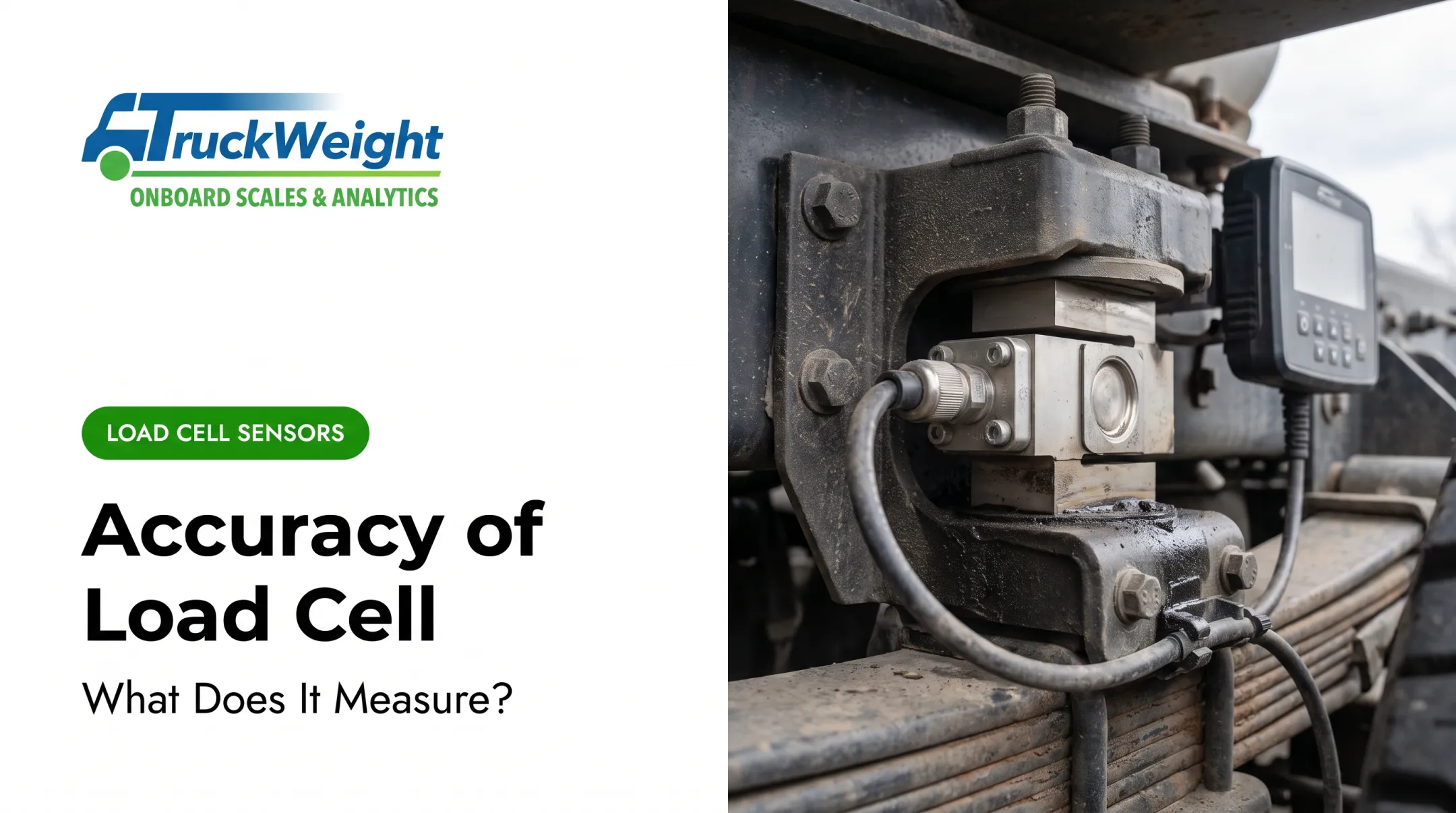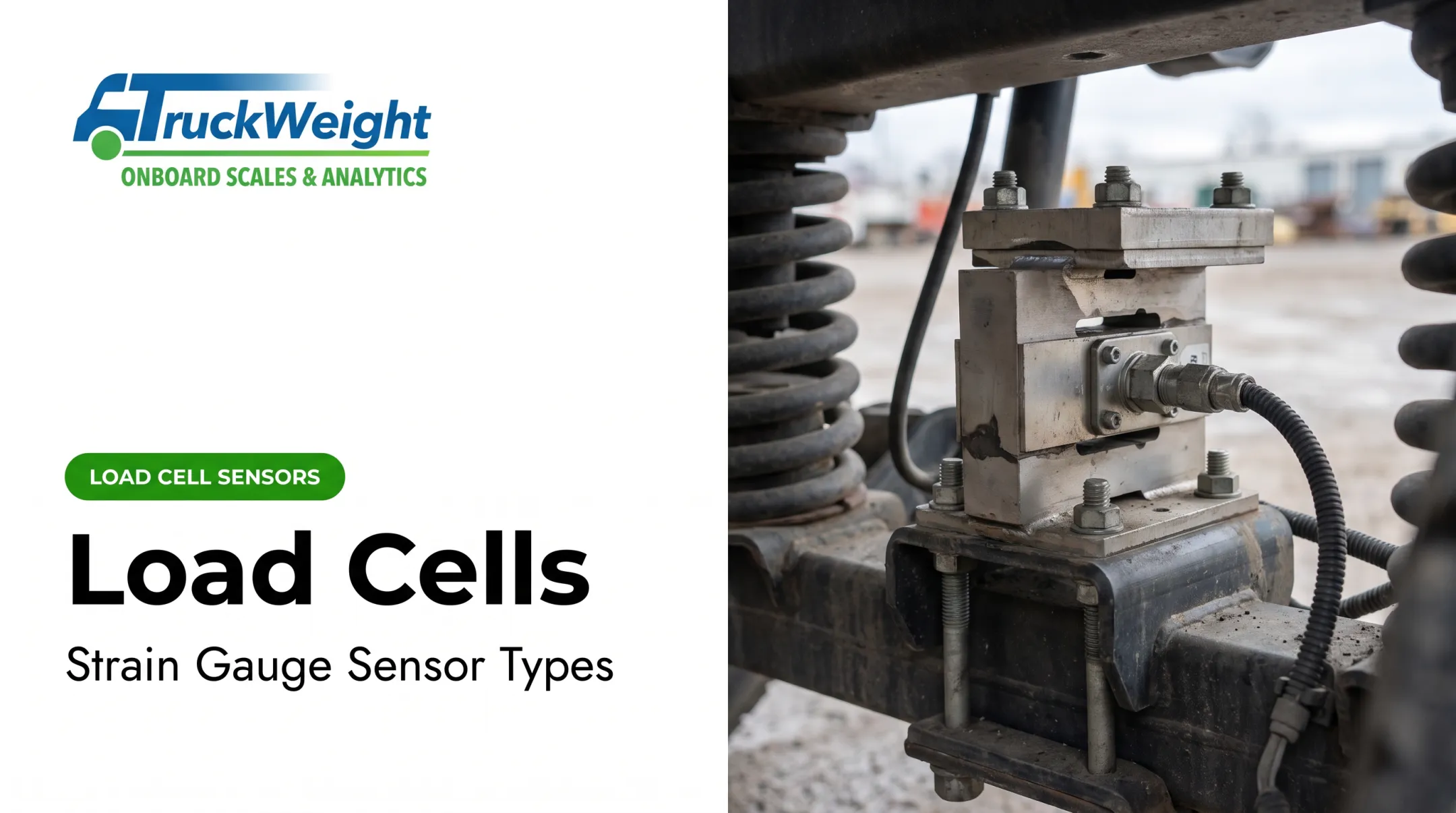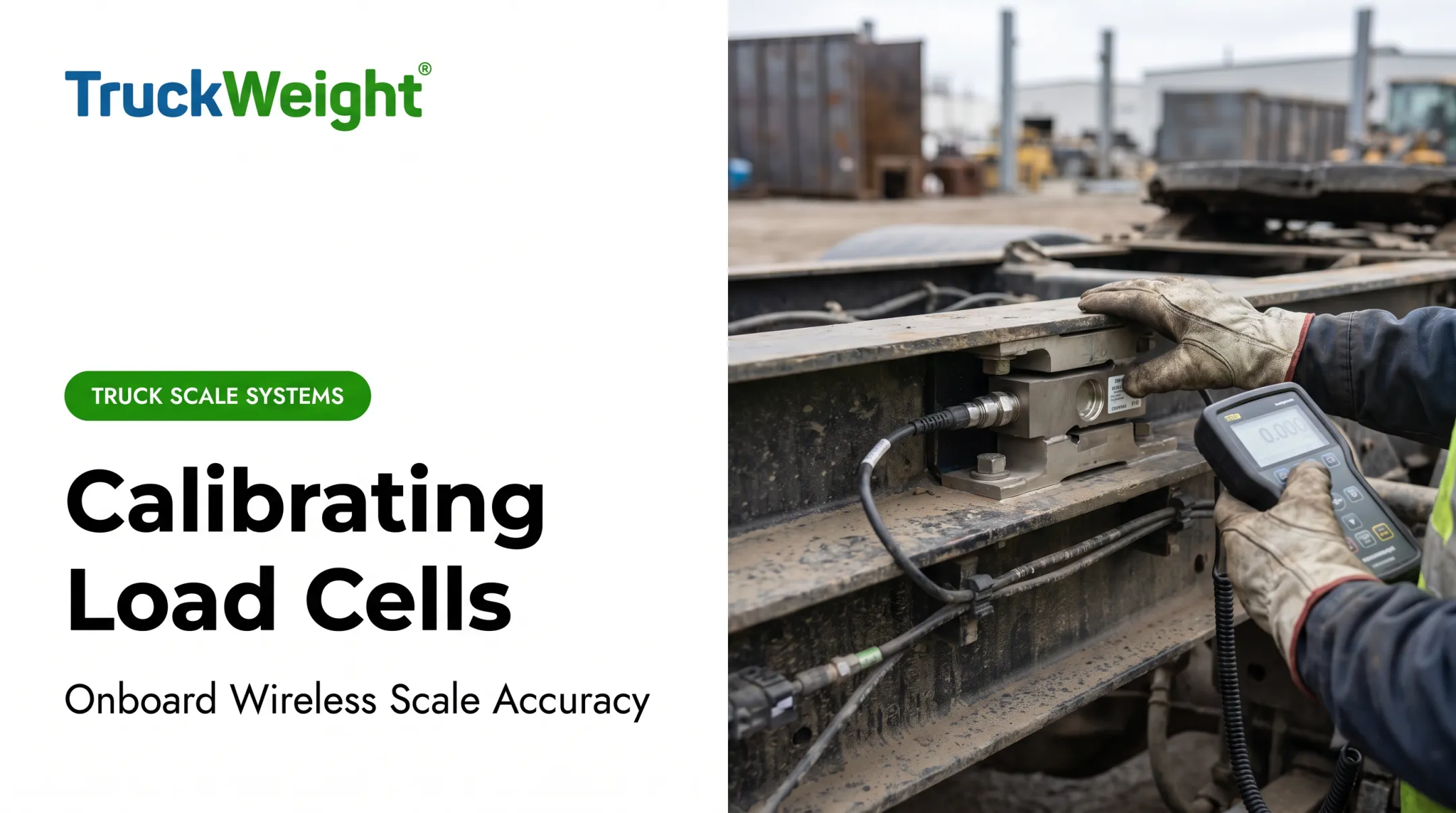

Fleets running dump trucks, aggregate haulers, and refuse trucks face a specific version of this problem. Do you need a panel meter bolted into a fixed console? A handheld unit an operator carries around the yard? Or a remote display mounted where the primary electronics can't reach? This guide walks through how these devices work, the main types available, and how to pick one that fits real operating conditions.
Key Takeaways
- Displays and indicators convert a load cell's mV/V signal into a readable weight value.
- Three main categories exist: panel-mount meters, handheld/portable indicators, and remote/secondary displays.
- Signal compatibility, resolution, and ruggedization determine whether a display actually holds up in the field.
- Wireless in-cab displays cut installation complexity for trucks and trailers compared to wired setups.
What Is a Load Cell Display or Indicator?
A load cell display (or indicator) is the interface device that takes a load cell's raw electrical output and turns it into a legible weight or force reading. Without it, you'd just have a strain gauge sitting there generating microvolts nobody can interpret.
The basic signal path looks like this:
- A load applies force to the strain gauge
- The gauge deforms, changing its electrical resistance
- That resistance change produces a small electrical signal
- The signal gets amplified and conditioned
- The indicator converts the conditioned signal into a digital readout

Load cells typically output in the 2–3 mV/V range, per Transcell Technology. That differential signal is so small it needs high-gain amplification before a display can show a stable number. Filtering strips noise, and isolation handles ground-loop issues that would otherwise cause erratic readings.
Indicator vs. Controller vs. Amplifier
There's no universal industry standard separating these terms cleanly. In practice:
- An indicator accepts the mV/V signal and converts it to a calibrated digital reading, often with serial or analog outputs for downstream systems.
- A controller uses that reading to drive process actions—setpoints, cutoffs, batching, or alarms—rather than only showing weight.
- A conditioner/amplifier prepares the raw signal for other equipment but may or may not include a display itself.
Some units combine these functions. Others split them across separate boxes. Many indicators also add analog outputs, data-logging interfaces, or setpoint/alarm functions for process control, though not every product includes all three.
Types of Load Cell Displays and Indicators
Panel-Mount Digital Indicators
These are built for fixed installations—bench scales, batching systems, or industrial process lines—where the indicator stays in one spot. The WIKA FE330, for example, is designed as a compact industrial indicator specifically for panel mounting.
Two display technology choices matter here:
- Numeric vs. alphanumeric — numeric-only displays show weight values; alphanumeric units can show status messages, unit labels, or menu prompts
- LED vs. LCD — LED displays are brighter and easier to read in direct sunlight; LCD units often use less power and can show more detailed information
Before selecting one, confirm what wiring topology it supports. The WIKA FE430, for instance, is built for 4- or 6-wire load cells with mV/V output — mismatch that and nothing will calibrate correctly.

Handheld and Portable Indicators
When the reading has to move with the operator, handheld units take over. Field weighing, mobile inspections, and onboard vehicle systems all fall here.
For commercial trucks, long-range handhelds let drivers check axle-group, gross, and net weights from the cab or nearby. TruckWeight’s handheld and touchscreen displays are built for that onboard use case, with optional GPS or serial printer support.
Typical handheld features include:
- 7-digit LCD screens with peak, trough, net, and overload indications
- Extended battery life (one Massload model claims 450 hours in power-save mode)
- 2.4 GHz wireless links with multi-channel support (up to 12 channels on some units)
- Long range and runtime—about 2,600 feet (800 m) and 40-hour battery life on a documented Massload example, plus IP67 protection

Remote/Secondary Displays
Sometimes the primary weighing electronics sit far from where someone needs the number—truck scales or concrete batch plants, for example. Remote displays close that gap.
The Rice Lake RD-232 is a documented example: it shows weight data apart from the main indicator and stays readable indoors or outdoors. Common traits include:
- Serial-port connectivity to the primary indicator
- Indoor/outdoor readability
- Flexible mounting: desktop, wall, or panel
How to Choose the Right Load Cell Display for Your Application
Picking a display isn't just about screen size or price. Get these factors wrong and you'll deal with drift, unreadable numbers, or a unit that dies in month two.
Signal input compatibility
Confirm the indicator accepts your load cell's actual output type, mV/V, voltage, or current. A mismatch means the display either won't read correctly or won't read at all.
Accuracy and resolution
NIST draws a clear distinction here. Resolution (scale division "d") is the smallest incremental step a display can show. Verification scale division "e" is what the manufacturer specifies for accuracy tolerances. An extra digit on the display doesn't automatically mean better accuracy. Sometimes "d" is smaller than "e," and that extra digit is just noise, not precision. For regulated commercial weighing, NIST recognizes accuracy classes (I, II, III, III L, IIII), with the manufacturer assigning the class based on verification intervals.
Environmental durability
After accuracy, check whether the unit will survive the job site. Outdoor and mobile applications need weatherproofing. A rating like IP67 (dust-tight, water-resistant) helps prevent signal drift from moisture or temperature swings. Confirm the specific rating; don't assume "rugged" means certified.
Features you actually need
- Setpoint alarms for over/under-weight conditions
- Multiple channels if you're reading several load cells at once
- USB or serial data logging for record-keeping and compliance
- Long-range or handheld readouts when operators check weights from the cab or alongside the vehicle
Cable length and signal degradation
Long cable runs matter more than people expect. Standard 28-gauge copper wire loses roughly 0.37% sensitivity per 10 feet, according to Interface's wiring reference. There's no universal cutoff where amplification becomes mandatory. It depends on cell output, wire gauge, and electrical noise on site. Longer runs still deserve closer attention to signal conditioning.

Load Cell Displays in Commercial Trucking Applications
For fleets hauling aggregate, refuse, or construction materials, a display isn't a convenience. It's how drivers avoid citations and keep loads legal without detouring to an external scale.
Federal rules set hard limits: the FHWA Bridge Formula caps single axles at 20,000 lbs, qualifying tandem axles at 34,000 lbs, and gross vehicle weight at 80,000 lbs for Interstate travel. States enforce these limits with real financial consequences, and enforcement varies by jurisdiction, so a driver who's guessing at weight is gambling with fines.
Why In-Cab Displays Change the Equation
A wired truck scale indicator means running cable from suspension sensors to a cab-mounted unit, plus drilling, routing, and protecting that cable on rough haul roads. A wireless onboard display skips that entirely.
TruckWeight's Long-Range Handheld Display is built for this:
- Touchscreen interface with axle weight, gross vehicle weight, and net weight readouts
- Truck and trailer ID for fast drop-and-hook operations
- Optional GPS and serial printer integration for printed weight records in the cab
- Rechargeable lithium-ion battery with auto shutoff after 10 minutes idle
- Wireless range up to 500 feet (line-of-sight viewing often 500–1,000 feet)
Because the sensors transmit wirelessly, mechanical or air-suspension installation happens without routing indicator cabling through the frame.
Real-World Impact
At Limar Enterprises, a loader operator uses the wireless handheld display to check whether there's "room for another ton" before finishing a load, adding payload confidently instead of guessing. At Ritcey & Sons, the system helps the company "run legal" after tighter weight-law enforcement cut into profits. Commercial Carrier Journal documented a 220-truck fleet using onboard scales to load to the maximum legal amount, with managers getting immediate under- or overload alerts.
Real-time weight visibility cuts out-of-route trips to external scales and improves payload efficiency on every haul—while keeping axle and gross weights legal.
Maintaining Accuracy: Calibration and Data Management
A display is only as good as its last calibration. Sensors drift, connections corrode, and suspension components change, all of which throw off readings if nobody checks them.
A typical sensor-to-display calibration process looks like this:
- Drive to a certified ground scale and record readings both empty and loaded.
- Log the weight for each axle group alongside the corresponding sensor reading (PSI for air suspensions, strain reading for mechanical).
- Enter empty and loaded values into the calibration menu, by equipment ID, axle group, and sensor type.
- Repeat for every sensor and retain the worksheet for audit purposes.

Calibration data stays tied to the sensor or trailer. Trailers can swap trucks without repeating the full process. If suspension components change, recalibration is required.
Beyond the hardware, back-office platforms extend what a display alone can do. TruckWeight Analytics pulls weight data from the Hub into Google Cloud dashboards for real-time access and fleet-level analysis.
Fleet managers can:
- Receive overweight alerts
- Export compliance reports
- Manage systems remotely
Individual display readings become fleet-wide quality control.
Frequently Asked Questions
What is a load cell indicator?
A load cell indicator is the display device that receives a load cell's raw electrical signal and converts it into a readable weight value. It's the translator between the sensor and the operator.
What is a digital load cell?
A digital load cell pairs the sensor with onboard or connected signal conversion so the output appears as a clean numeric reading rather than raw analog voltage.
What are the four types of load cells?
The four common types are diaphragm, S-type, canister, and beam load cells. Each has a different shape suited to specific mounting and force-direction requirements.
How do load cells measure weight?
A strain gauge inside the load cell deforms under applied force, changing its electrical resistance. That resistance change produces a signal proportional to the weight, which the display then converts into a number.
What does a 2 mV/V load cell mean?
A 2 mV/V rating means the cell produces 2 millivolts of signal for every volt of excitation applied. The indicator or display must be compatible with this rating to read accurately.
Is a load cell just a strain gauge?
No. A strain gauge is one component inside a load cell, not the entire sensor assembly. The load cell also includes the structural body, wiring, and often signal-conditioning elements.